
Settings
Set your Acuity reschedule window, fee and policy in one place
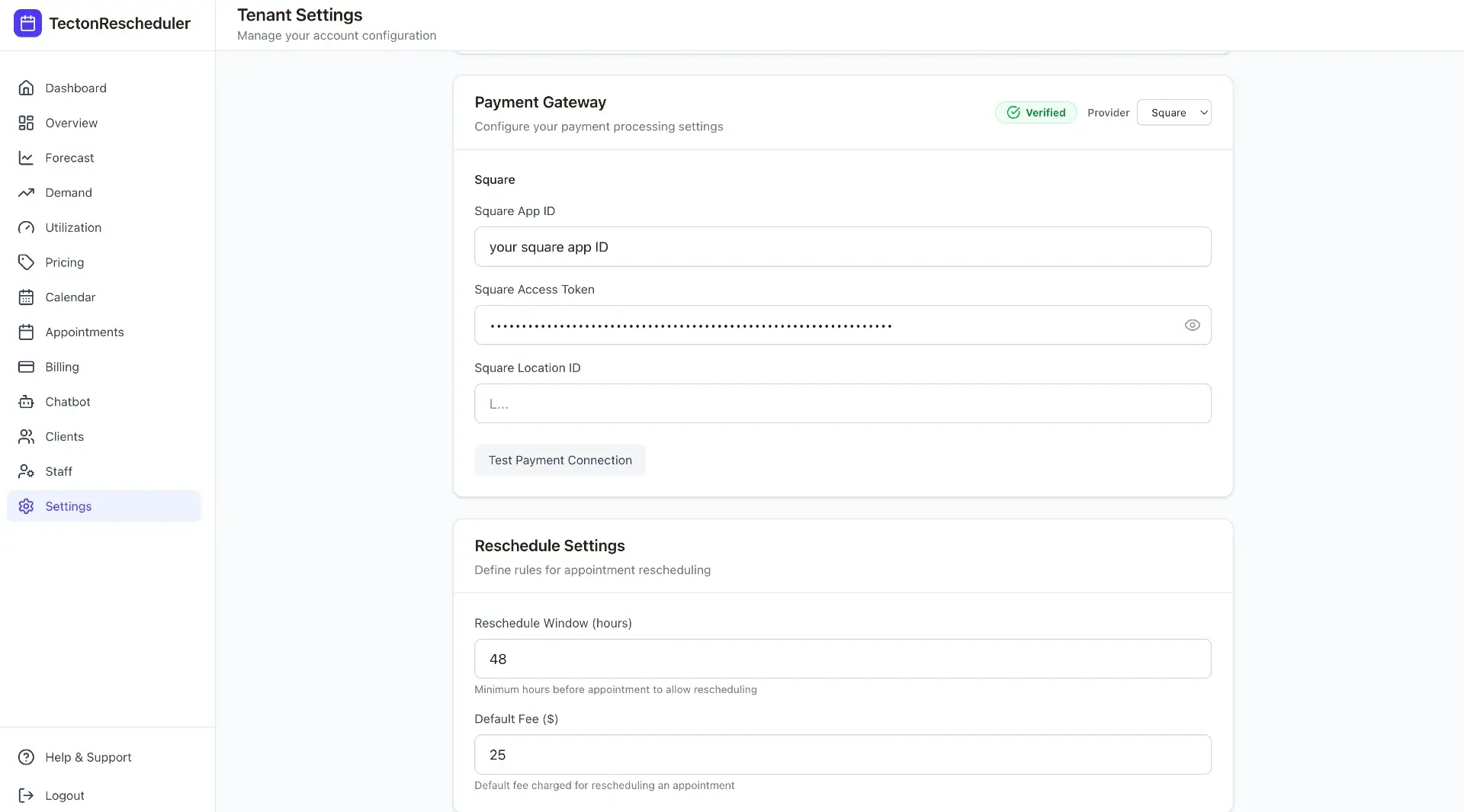
Settings is where the whole product gets wired together: your Acuity reschedule window and fee, your business timezone, and the verification status of both Acuity and your payment provider. Once everything's green, generate your public reschedule link and drop it straight into your confirmation emails.
Details
What you get
Reschedule window & fee
Decide how close to an appointment clients can still reschedule, and whether a fee applies.
Verification at a glance
Acuity verified, payment verified, and slug active — three badges that tell you exactly what's left to configure.
One shareable link
Generate a public reschedule URL scoped to your slug, ready to paste into booking confirmations and reminders.
Timezone-aware
Every date and time across the dashboard, and every client-facing reschedule slot, respects your configured timezone.
FAQ
Common questions
Can Acuity charge a reschedule fee automatically?
No — Acuity Scheduling can't auto-charge cancellation, no-show or reschedule fees. Your only native option is manually charging a client's stored card, and only through Stripe or Square. Tecton Scheduler adds automatic collection on top: set your reschedule window and fee once, and it's charged via Square or Stripe when the client confirms.
How do I set a reschedule policy for Acuity Scheduling?
In Tecton Scheduler's settings, choose how close to an appointment clients can still reschedule and whether a fee applies. Once your Acuity connection and payment provider are verified, generate a public reschedule link and drop it into your confirmation emails. Setup takes about 15 minutes, with encrypted credentials and a free trial.
What is a public reschedule link?
It's a branded page, scoped to your business, where clients reschedule themselves without logging in — they verify with their email and phone number, then pick a new slot from live Acuity availability. You generate the link once in settings and paste it into your booking confirmations and reminder messages.
Stop trading calls for calendar changes
Connect Acuity, set your reschedule rules, and let clients handle the rest — while you watch the numbers move.