
Everything Acuity Scheduling is missing, in one platform
Analytics, forecasts, reschedule fees, and an AI booking assistant — every screen below is a real page from Tecton Scheduler, synced from your Acuity account. Pick a feature to see how it works in detail.
Overview
Your Acuity business performance at a glance
Revenue, bookings, average ticket, cancellations, no-shows and new clients for any date range — synced straight from Acuity Scheduling.
Explore feature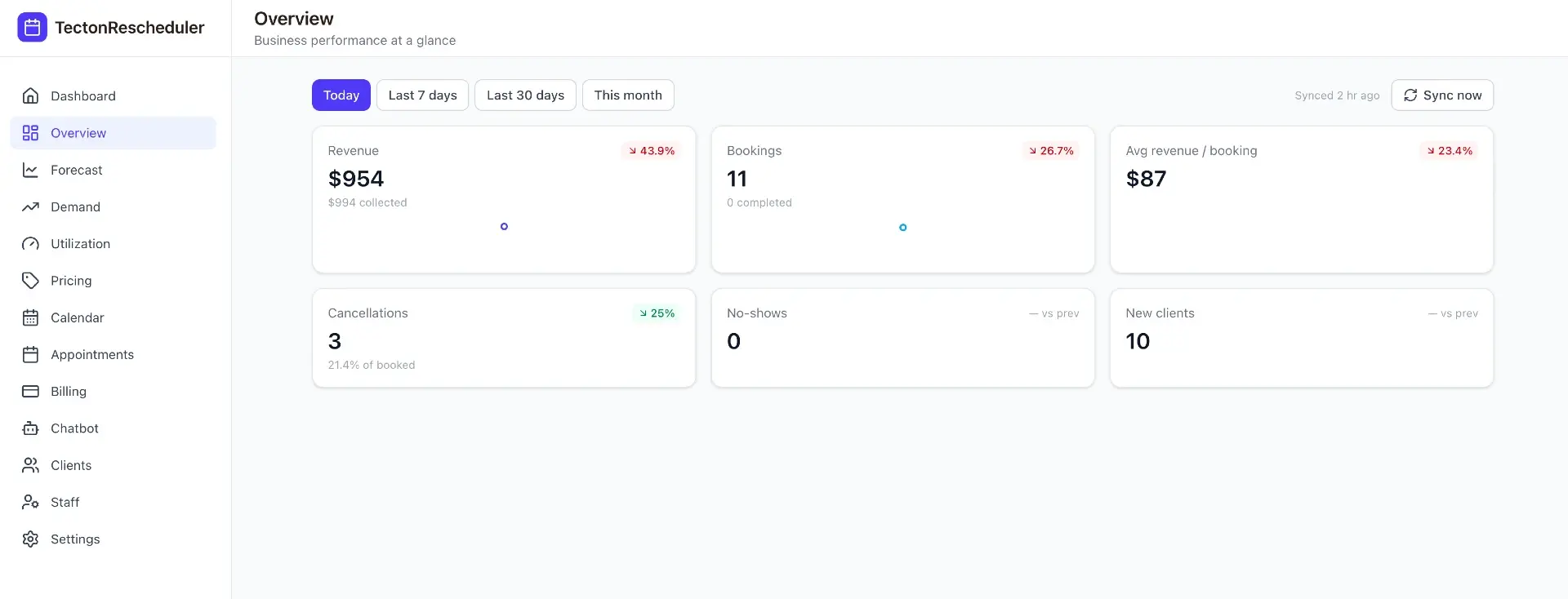
Forecast
Know next month's Acuity bookings before they happen
A statistical projection blends weekday seasonality with your recent Acuity Scheduling booking level to estimate bookings, revenue, cancellations and no-shows for the next 7, 30 or 90 days — plus your busiest and quietest days ahead.
Explore feature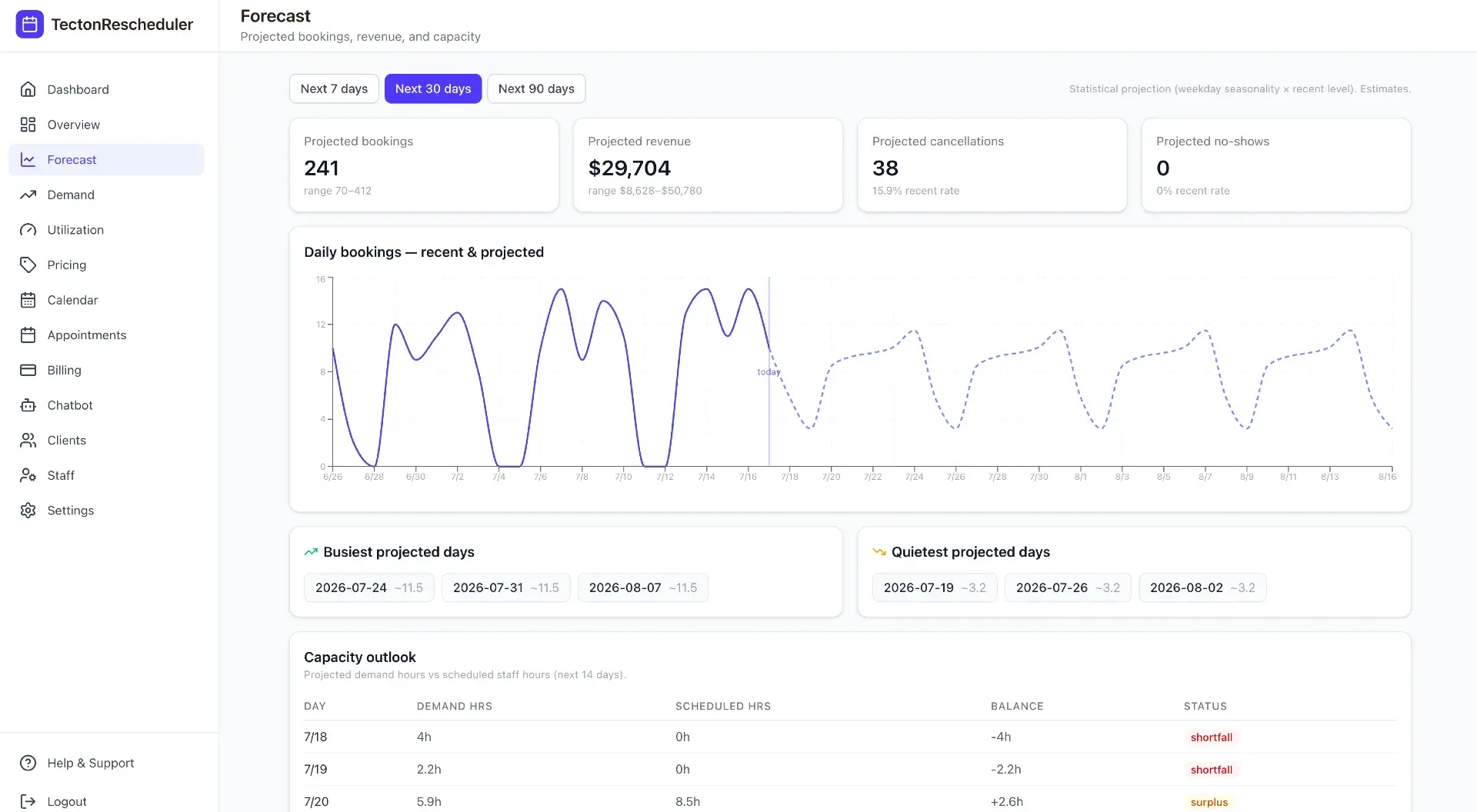
Demand
See when Acuity clients book and what actually sells
A booking heatmap by day and hour, a breakdown of how far ahead clients book, and a ranked service mix by volume and revenue — all built from your Acuity Scheduling data.
Explore feature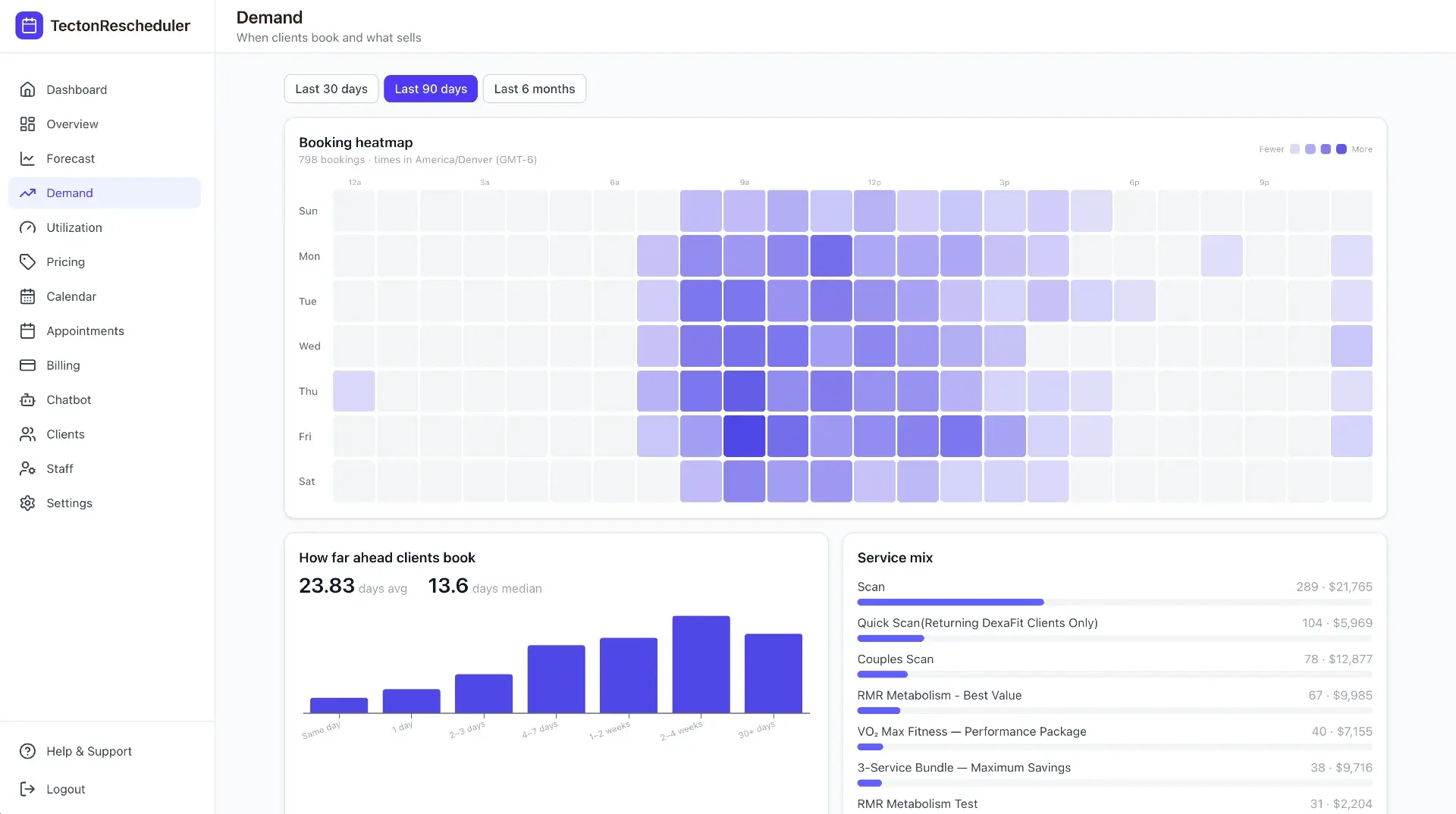
Pricing & promotions
Measure what a discount actually did
Every promotion window is compared against a matched baseline period, so you see the real lift in bookings and revenue from your Acuity Scheduling data — plus price-change elasticity per service.
Explore feature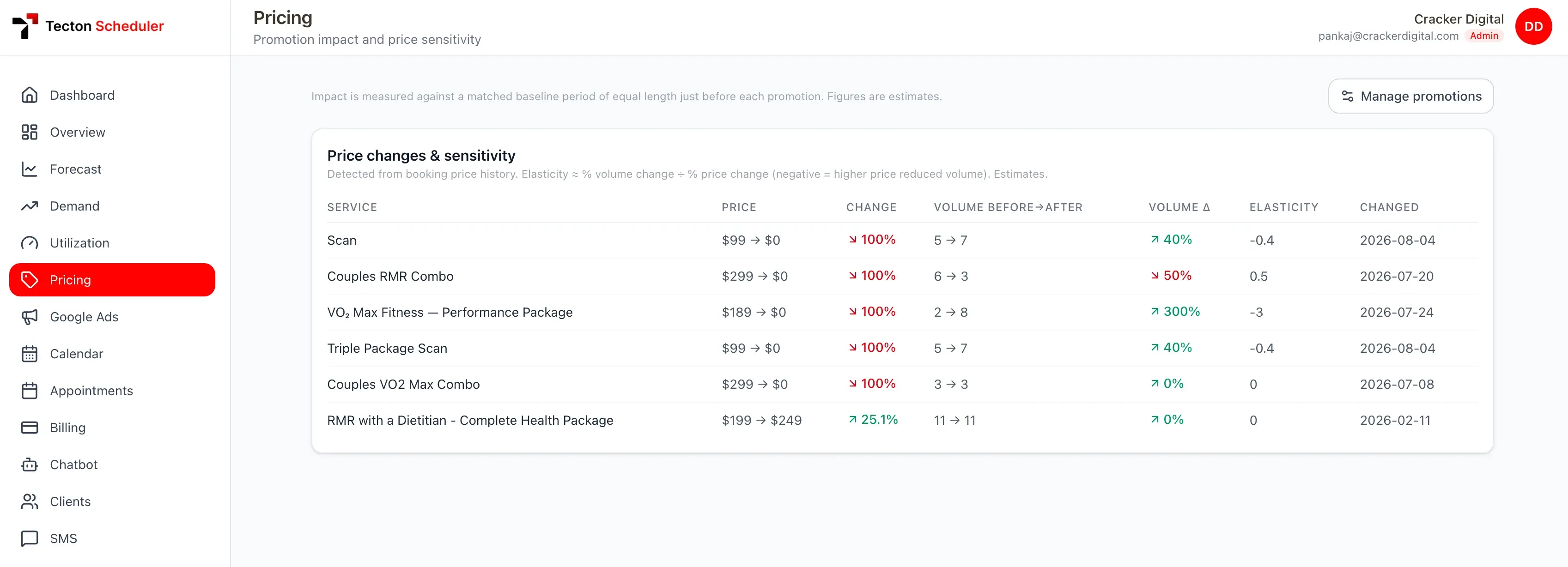
AI booking assistant
A chatbot that actually books the Acuity appointment
Powered by your own OpenAI key, it answers questions from your service catalog and hands off into a real Acuity booking flow — configurable per tenant, embeddable on any site.
Explore feature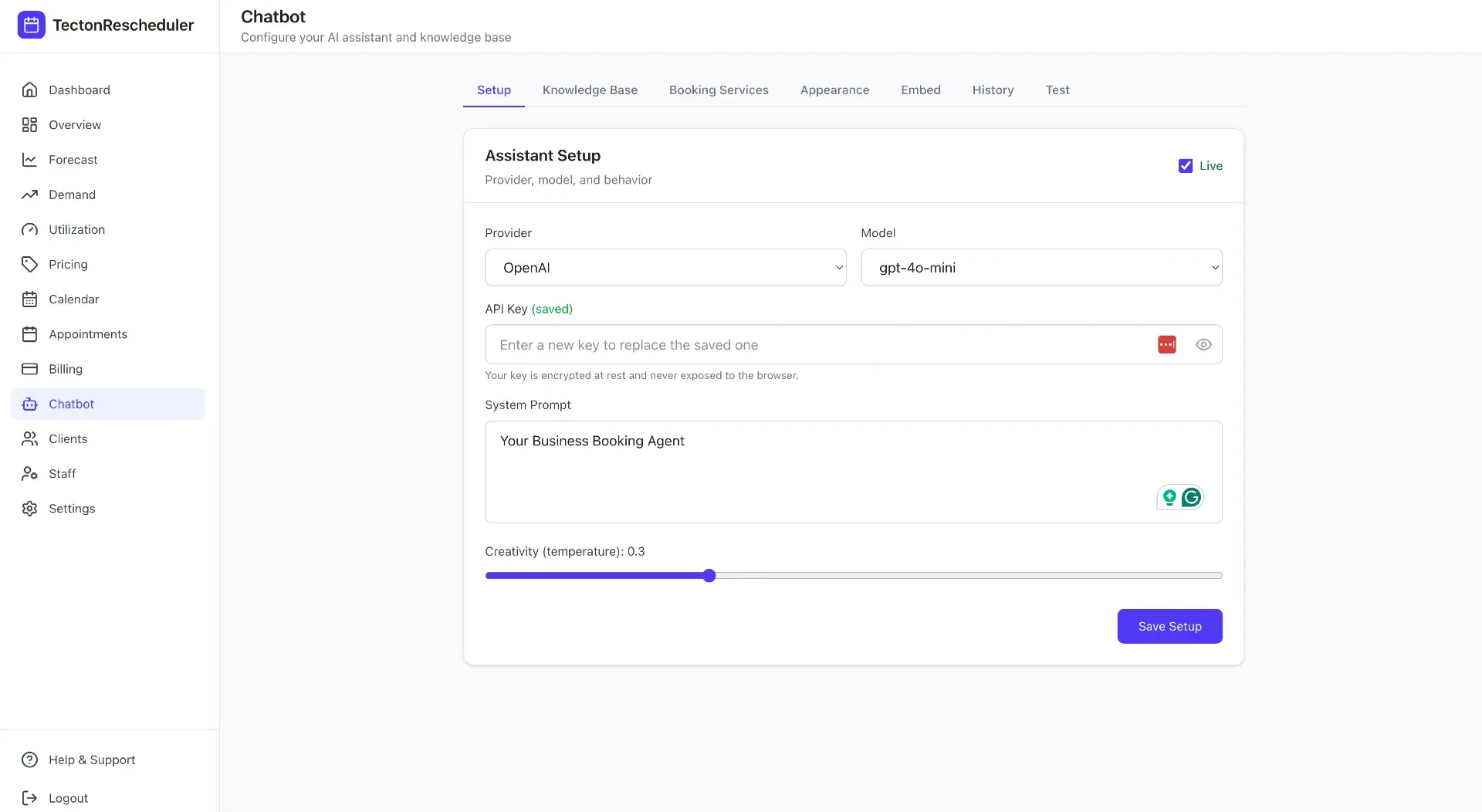
Notifications
A single feed for every reschedule, fee and failed charge
Appointment changes from Acuity Scheduling, collected fees, declined cards and client updates land in one activity feed — read-tracked and filterable.
Explore feature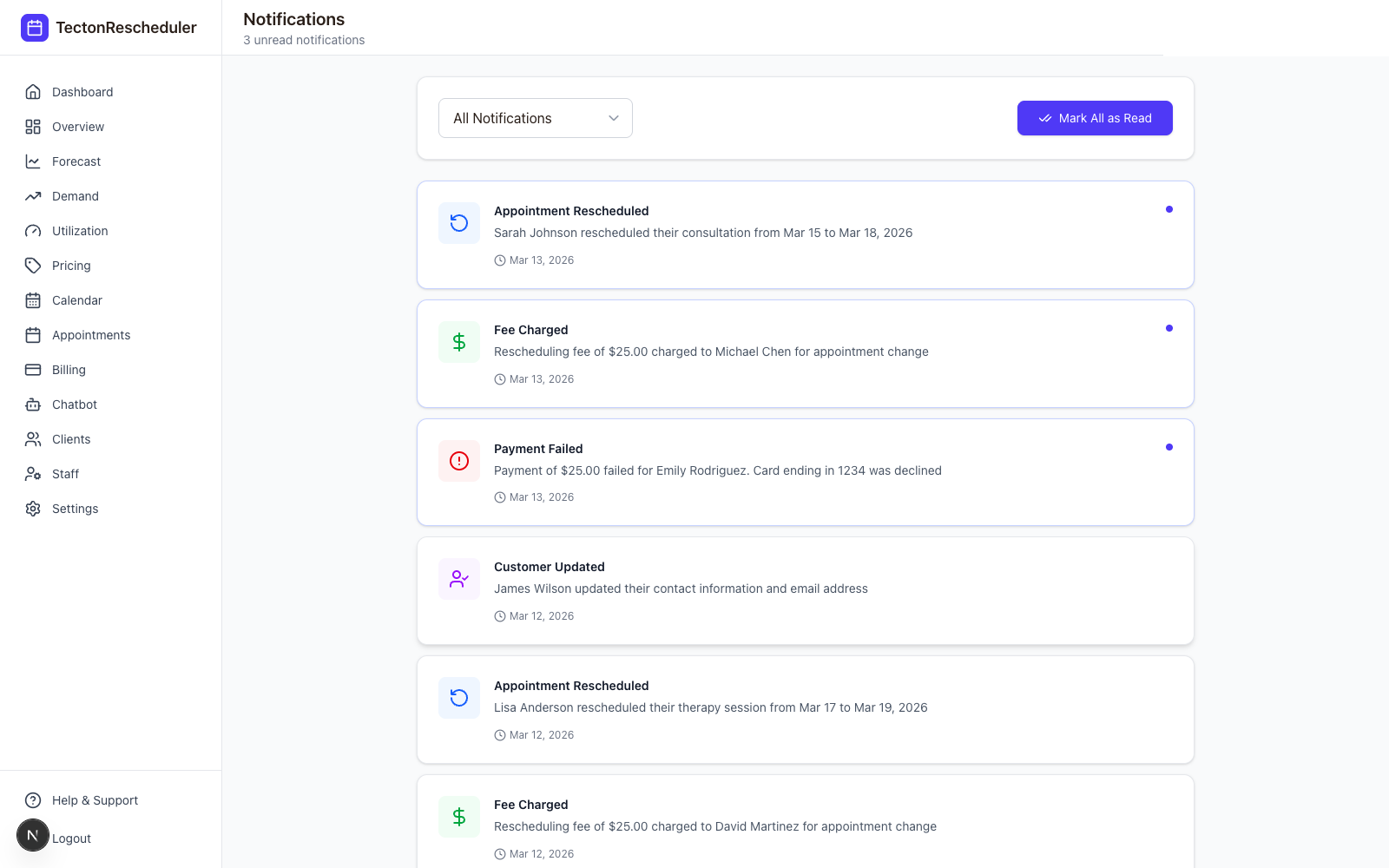
Settings
Set your Acuity reschedule window, fee and policy in one place
Set your reschedule window and fee, confirm Acuity and payment verification, and generate a public link clients can use to reschedule themselves — no login required.
Explore feature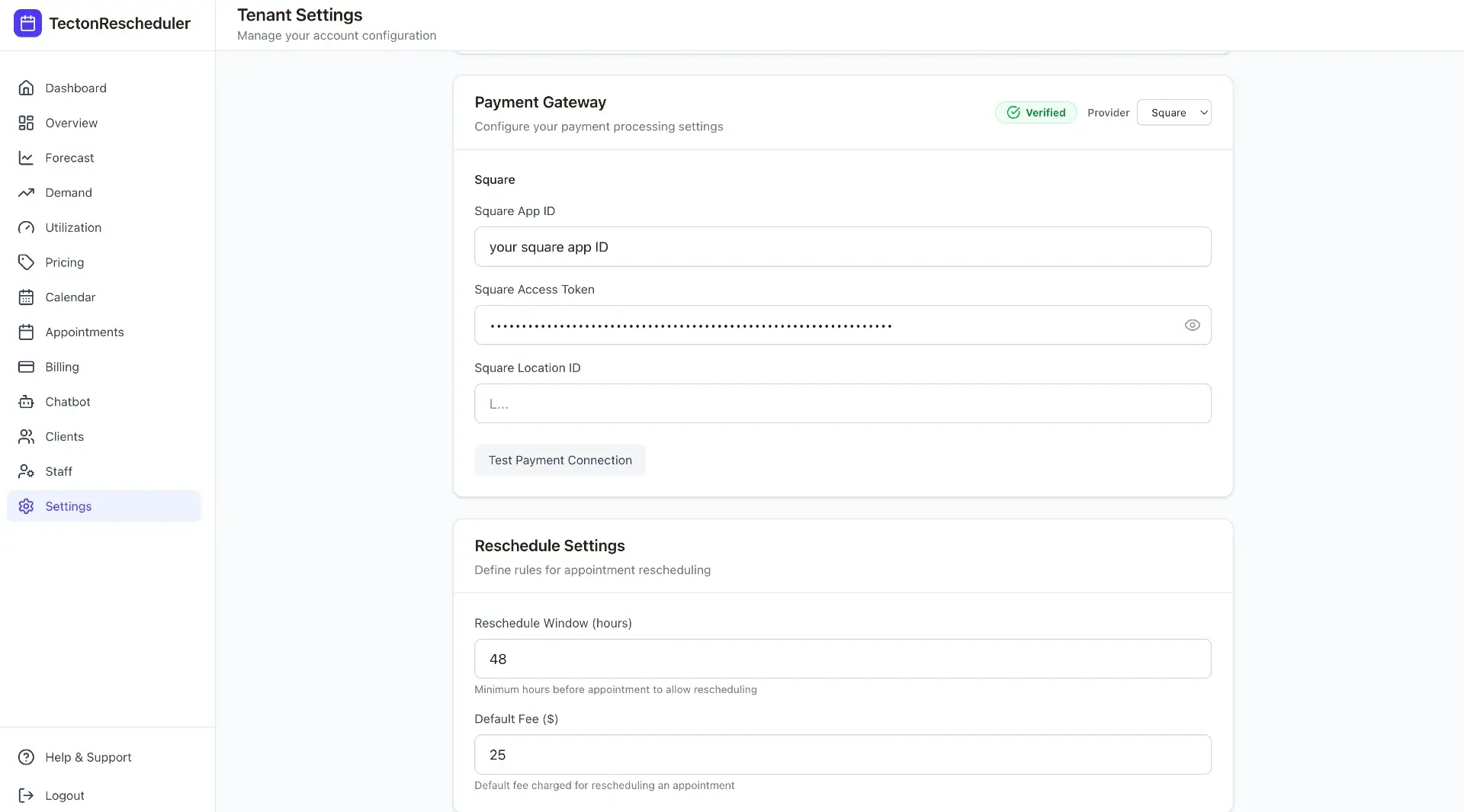
Client experience
No login, no phone call, no back-and-forth
Clients open your branded reschedule link, confirm their email and phone, and pick a new slot from live Acuity Scheduling availability. If your policy charges a reschedule fee, it's collected automatically.
Explore feature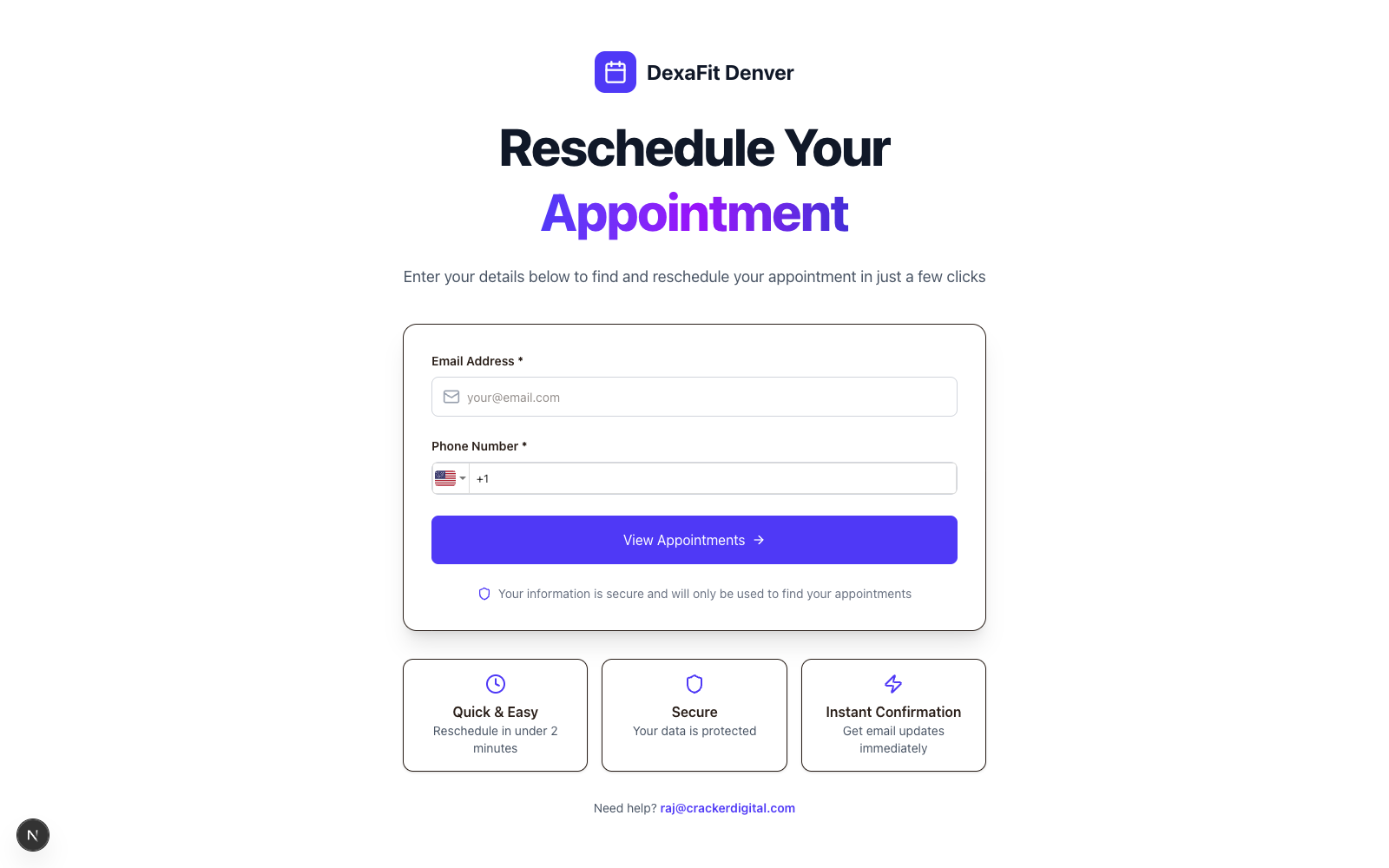
Multi-tenant by design
Run one platform for every Acuity location you operate
Tecton Scheduler was built for agencies and multi-location operators from day one. Every tenant gets isolated, encrypted Acuity credentials — and you get one super-admin console over all of them.
Explore feature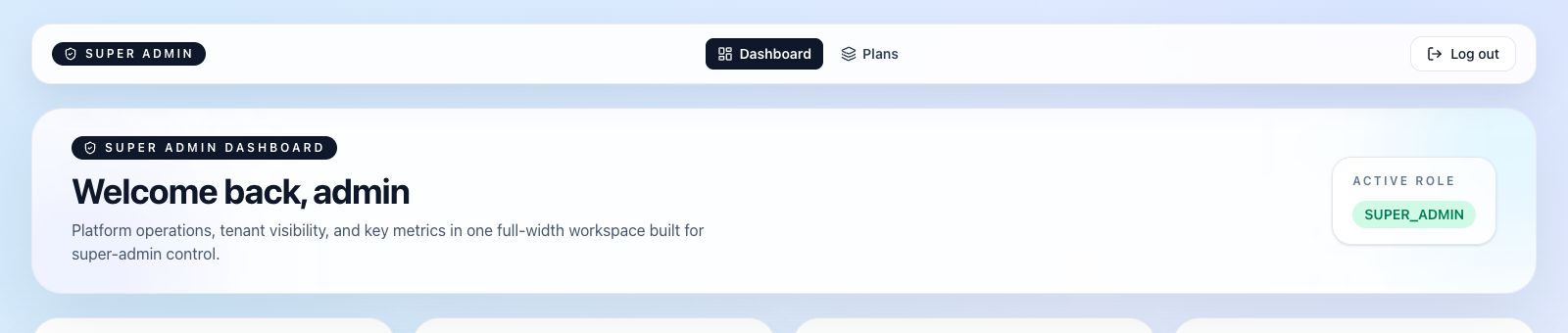
Stop trading calls for calendar changes
Connect Acuity, set your reschedule rules, and let clients handle the rest — while you watch the numbers move.