
Acuity Scheduling guides for appointment businesses
How to charge cancellation and reschedule fees, cut no-shows, get real analytics out of Acuity, and let clients reschedule themselves — written from what actually works, not what the settings page implies.
Analytics & reports
4 guides
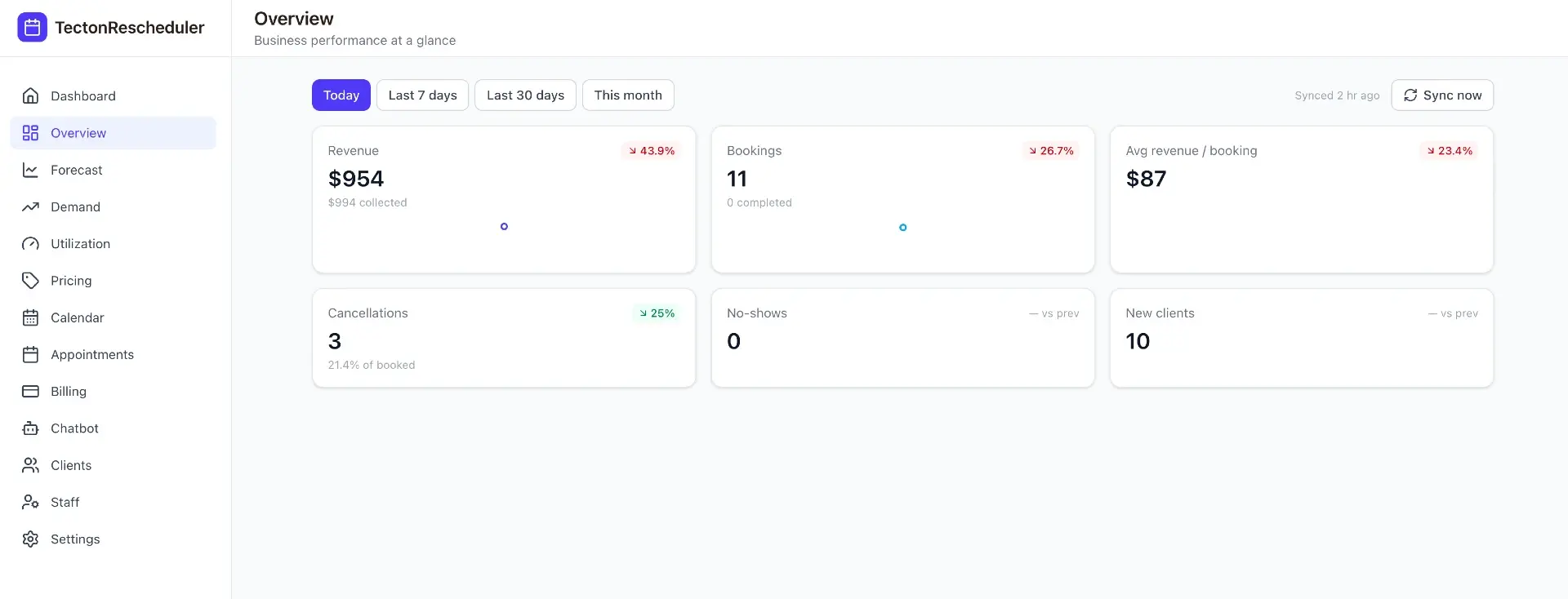
Acuity Scheduling Reports Explained — and 7 Things They Miss
Acuity Scheduling's built-in reporting covers appointment counts, booked revenue, and CSV export — and misses no-show rates, cancellation analytics, forecasting, demand patterns, and promotion measurement. This pillar guide breaks down all seven gaps and the spreadsheet-versus-dashboard way to fill each one.
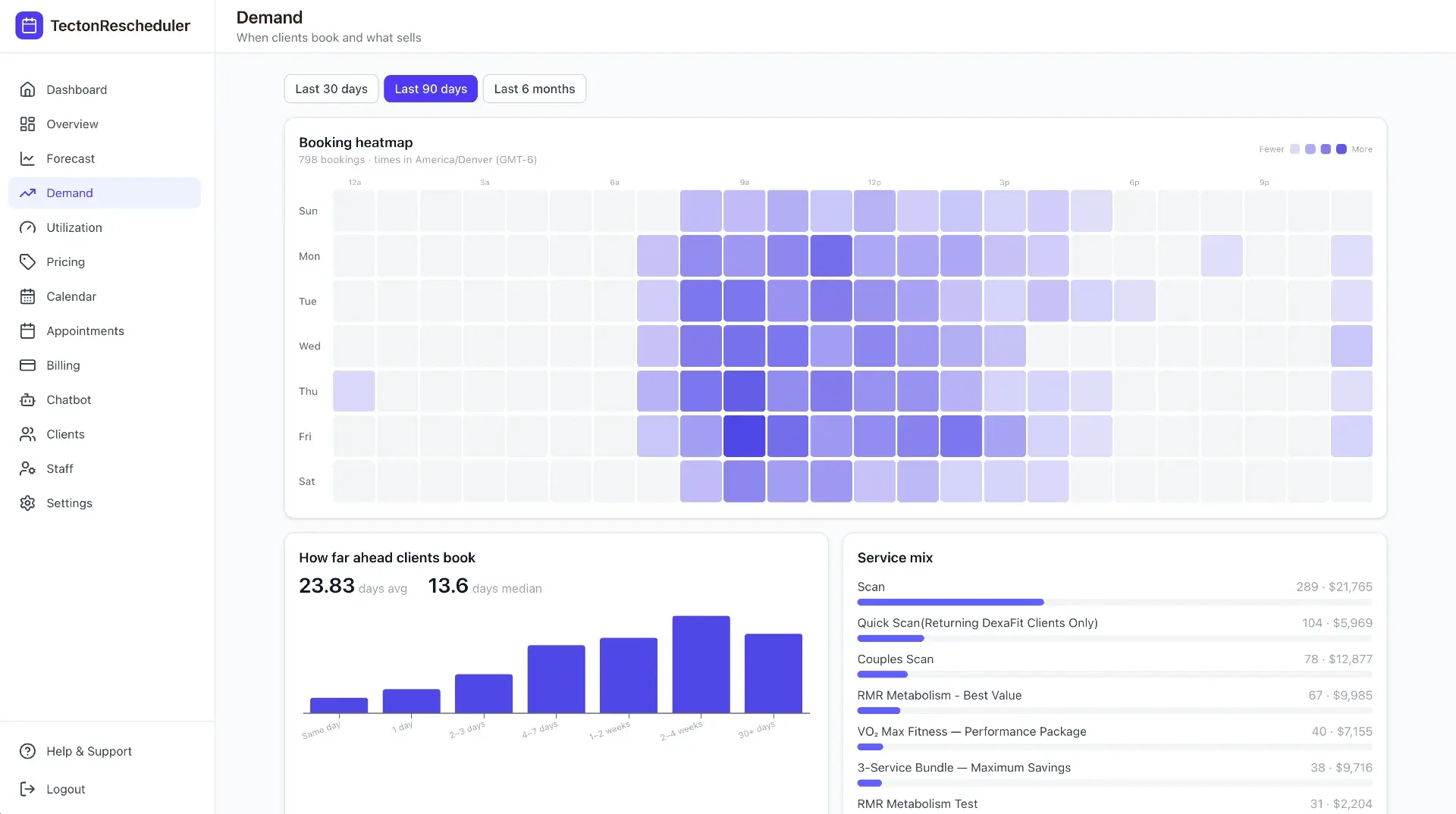
Acuity Scheduling Analytics: 4 Ways to Build a Dashboard
Acuity's built-in reports stop at booked revenue and appointment counts. This guide compares the four real ways to get an analytics dashboard — built-in reports, CSV exports, Looker Studio connectors, and a purpose-built tool — by cost, effort, and the KPIs you actually get.
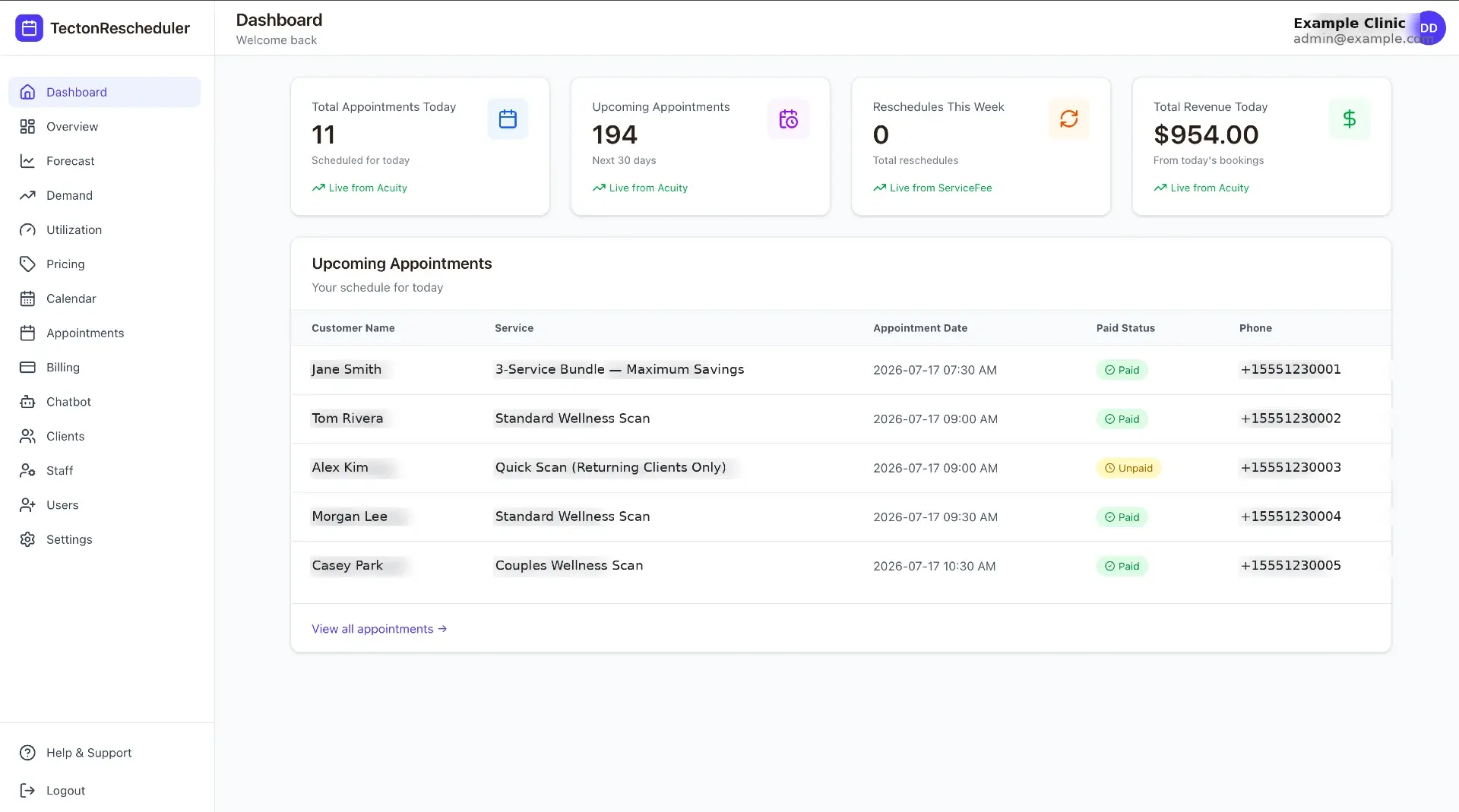
Why Your Acuity Revenue Report Doesn't Match Stripe or Square
Acuity's revenue report excludes cancelled and no-show appointments, skips anything manually marked paid, and drifts when refunds hit Stripe or Square. This guide breaks down every source of mismatch and gives you a monthly reconciliation routine that actually balances.
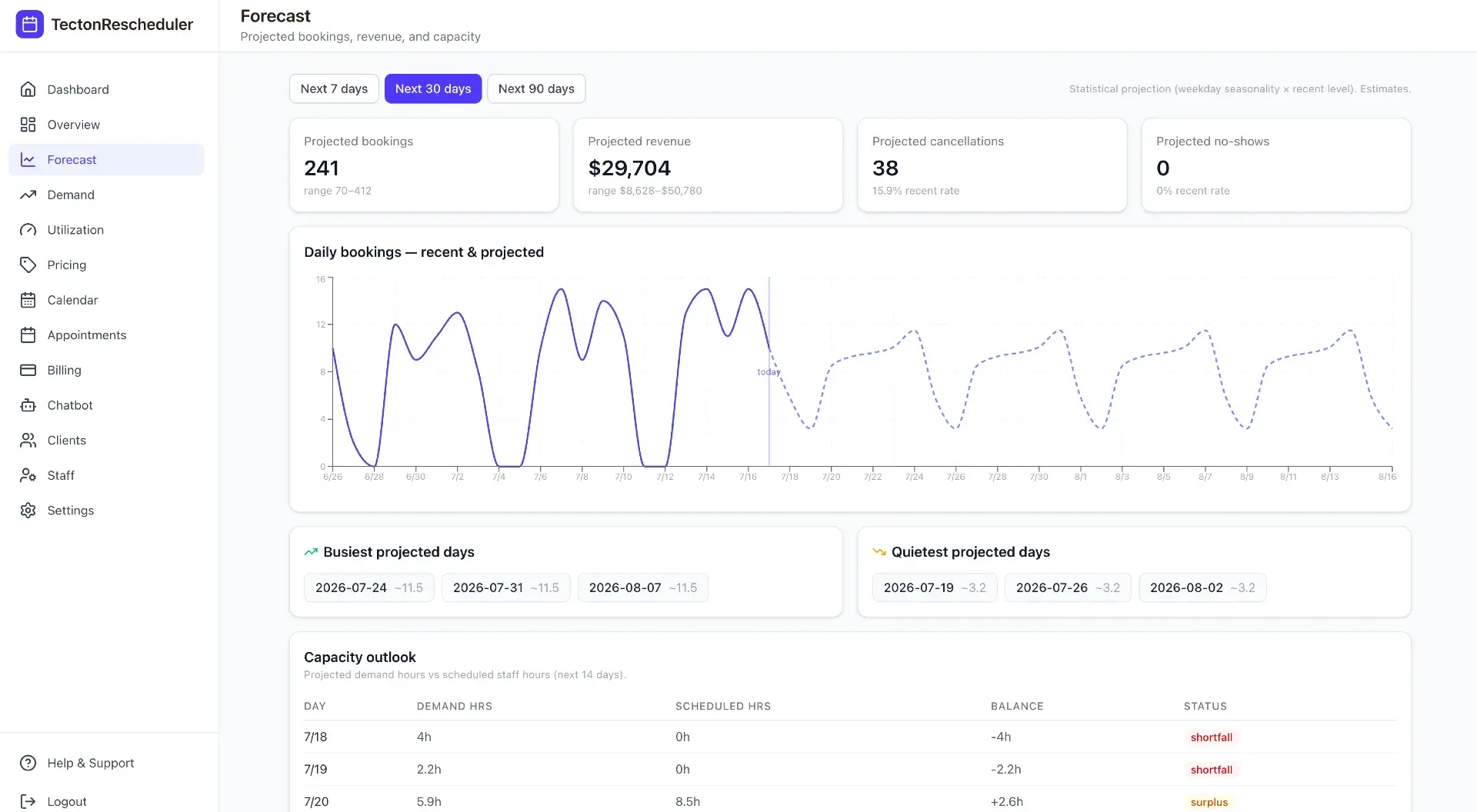
How to Track Your No-Show Rate in Acuity Scheduling
Acuity Scheduling can mark appointments as no-shows, but it never counts them or calculates a rate. This guide covers the marking discipline, the export-and-spreadsheet method with the exact formula, typical rates by industry, and how to automate tracking.
Rescheduling
3 guides
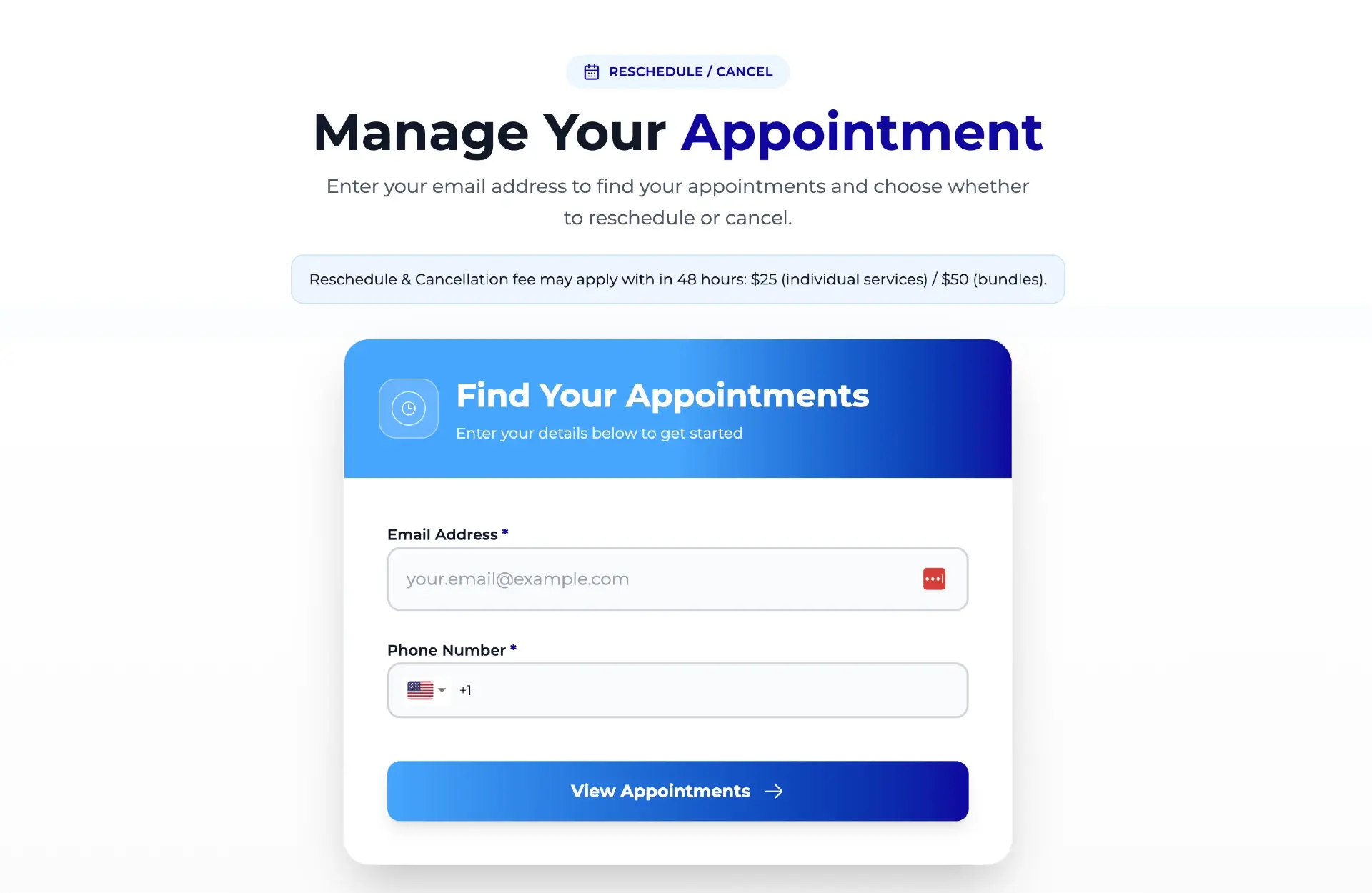
How to Let Clients Reschedule Their Own Appointments in Acuity
Acuity lets clients reschedule through the link in their confirmation email — but only date and time, only one appointment at a time, and only if they still have the email. This guide covers the settings that control it, why clients get stuck, and how to give them a standalone branded reschedule link.
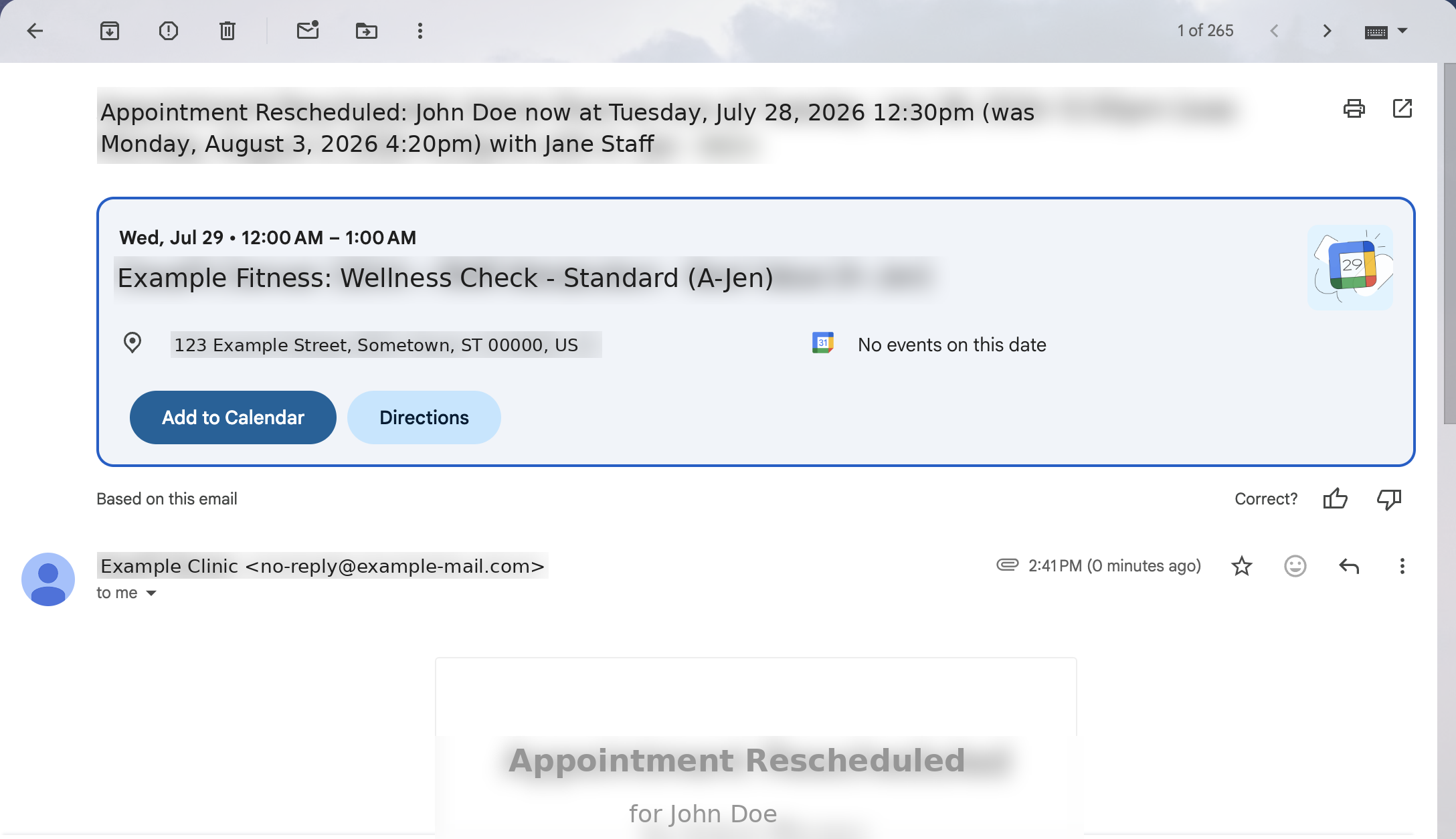
Acuity Reschedule Links: How They Work and Their Limits
Acuity's reschedule link is generated per booking and delivered by email — which works until the email is gone. This guide covers what the link can and can't do, the dead ends, and what an always-available reschedule page changes.
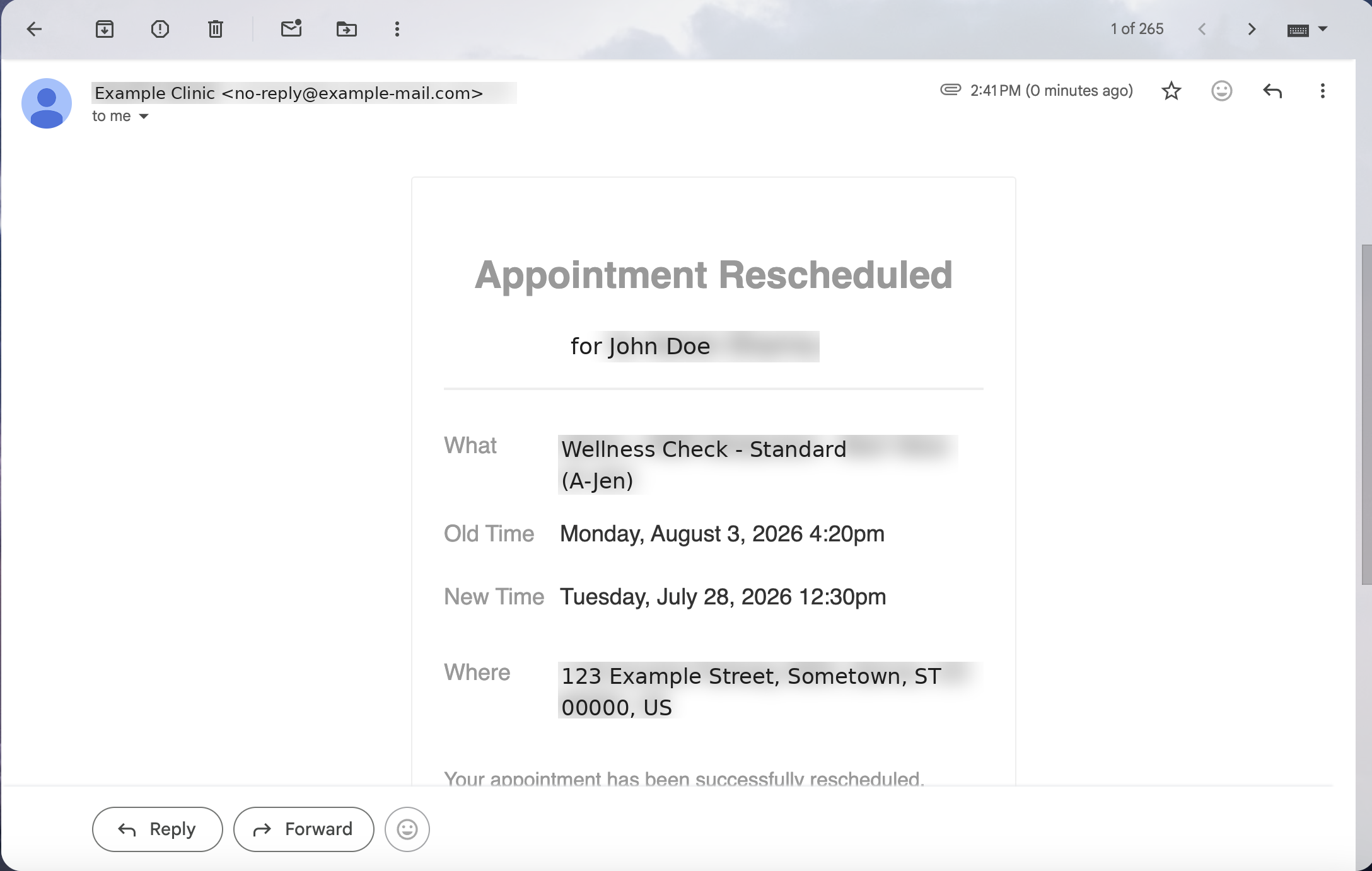
Reschedule Email & SMS Templates for Appointment Businesses
Seven copy-paste reschedule email and SMS templates — business-initiated moves, no-show follow-ups, fee notices, closures, reminders, and confirmations — plus the principles that get clients to rebook.
No-shows
2 guides
How to Reduce No-Shows in Acuity Scheduling: 9 Tactics Ranked
Nine no-show tactics for Acuity Scheduling, ranked by impact against effort — from cards on file and reminder timing to self-serve rescheduling and segment-level fixes. Honestly marked: what Acuity does natively, and what needs a layer on top.
What No-Shows Actually Cost Your Appointment Business
No-shows per week × average ticket × 52 is the direct annual loss — and it's only the floor. This guide runs the math for a salon, a med spa, and a fitness studio, then covers the three levers that recover the revenue.
Custom booking
4 guides
Why You Can't See What Happens Inside the Acuity Iframe
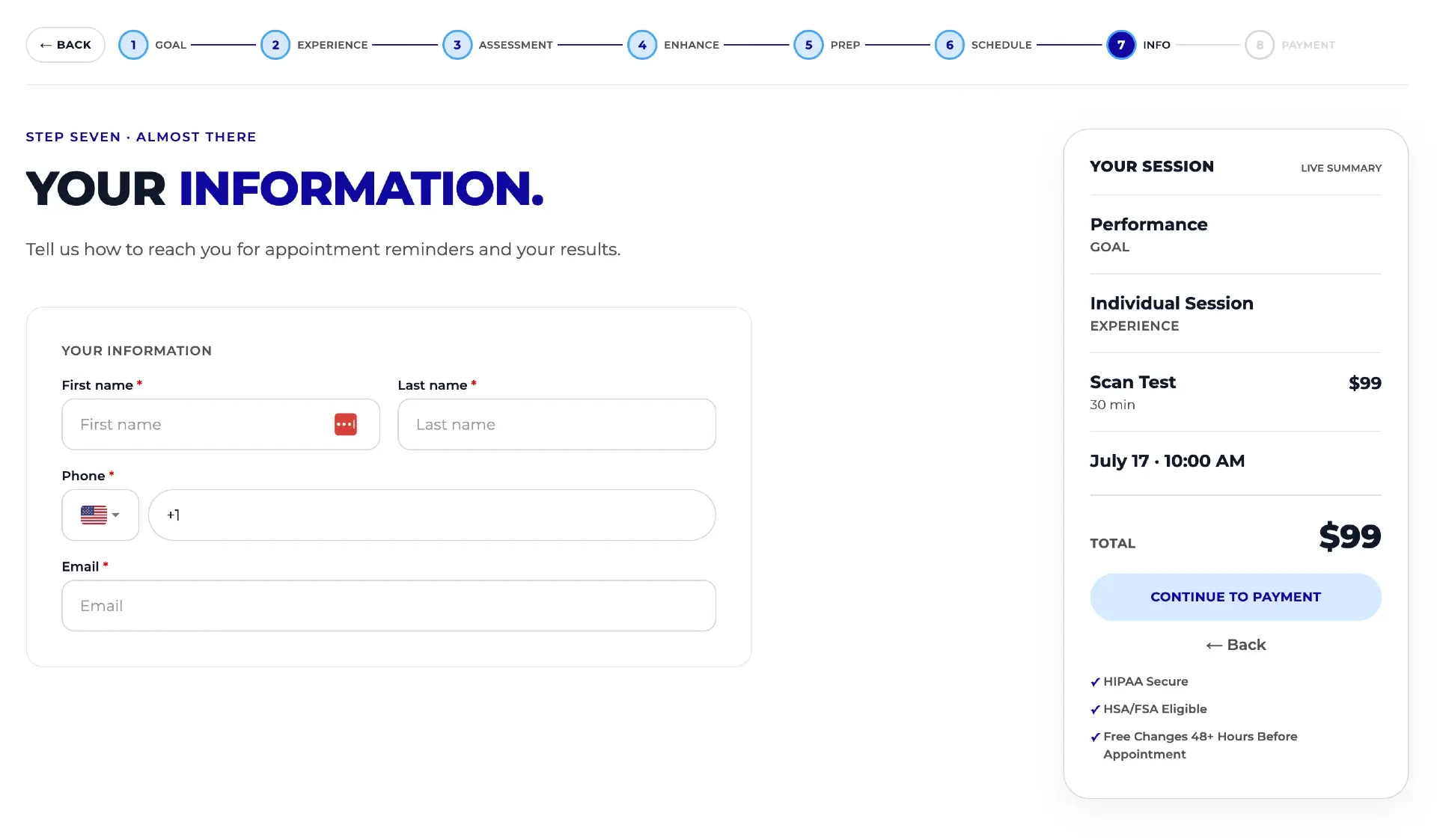
The standard Acuity embed is an iframe from another domain, so Hotjar, Microsoft Clarity, and your ad pixels go blind at the exact moment a visitor starts booking. This guide explains the browser security behind it, what the blind spot costs, the partial workarounds, and the full fix.
How to Customize Your Acuity Scheduling Booking Page (3 Levels)
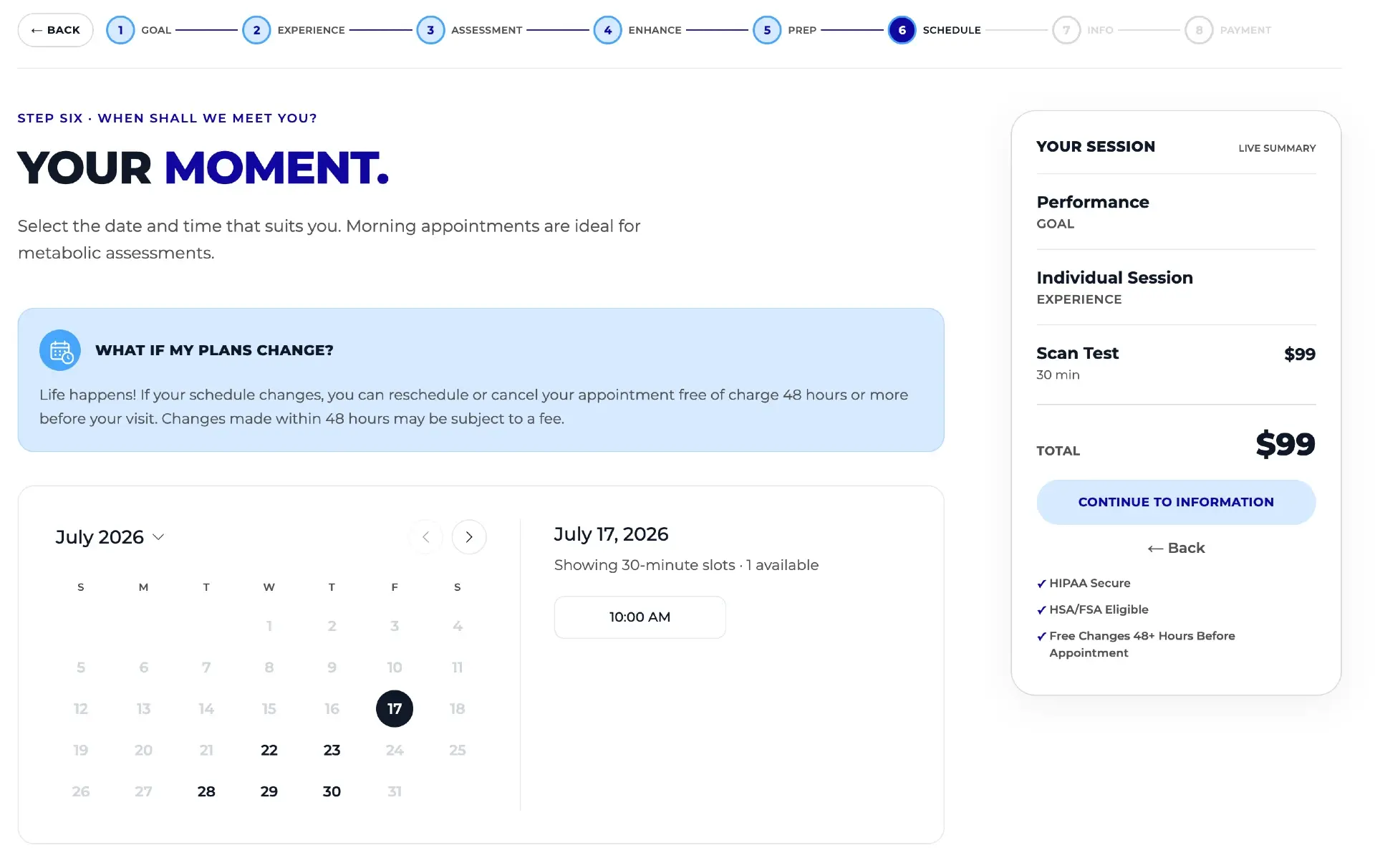
You can customize an Acuity booking page at three levels: built-in appearance settings, custom CSS and embed tweaks, or a fully white-labeled custom flow that keeps Acuity as the source of truth. This guide covers what each level can and can't change.
How to Increase Average Ticket Value in Your Booking Flow
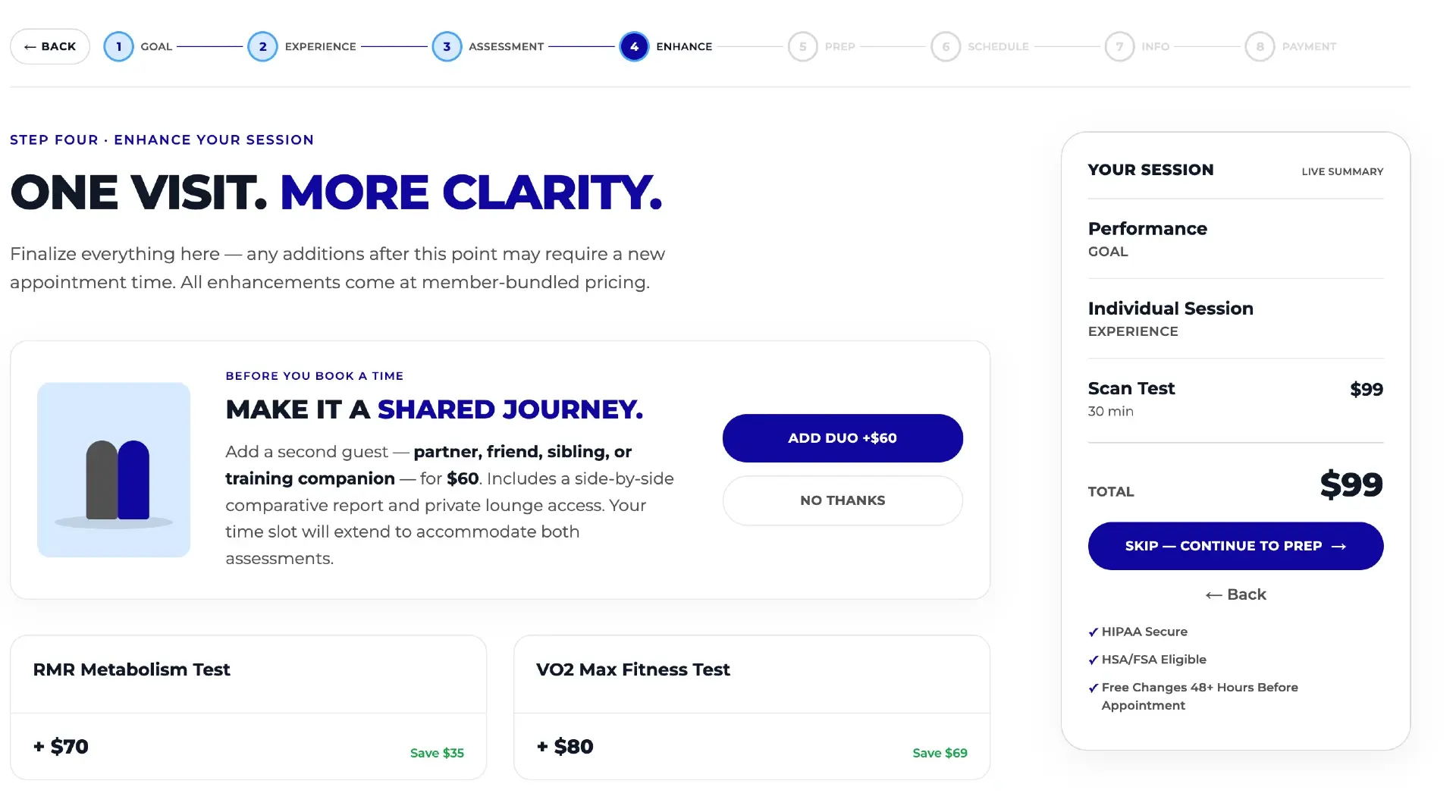
The booking flow is the best place to raise average ticket value — the customer is already committed, card in hand. Seven ranked tactics, and where the standard Acuity embed limits each one.
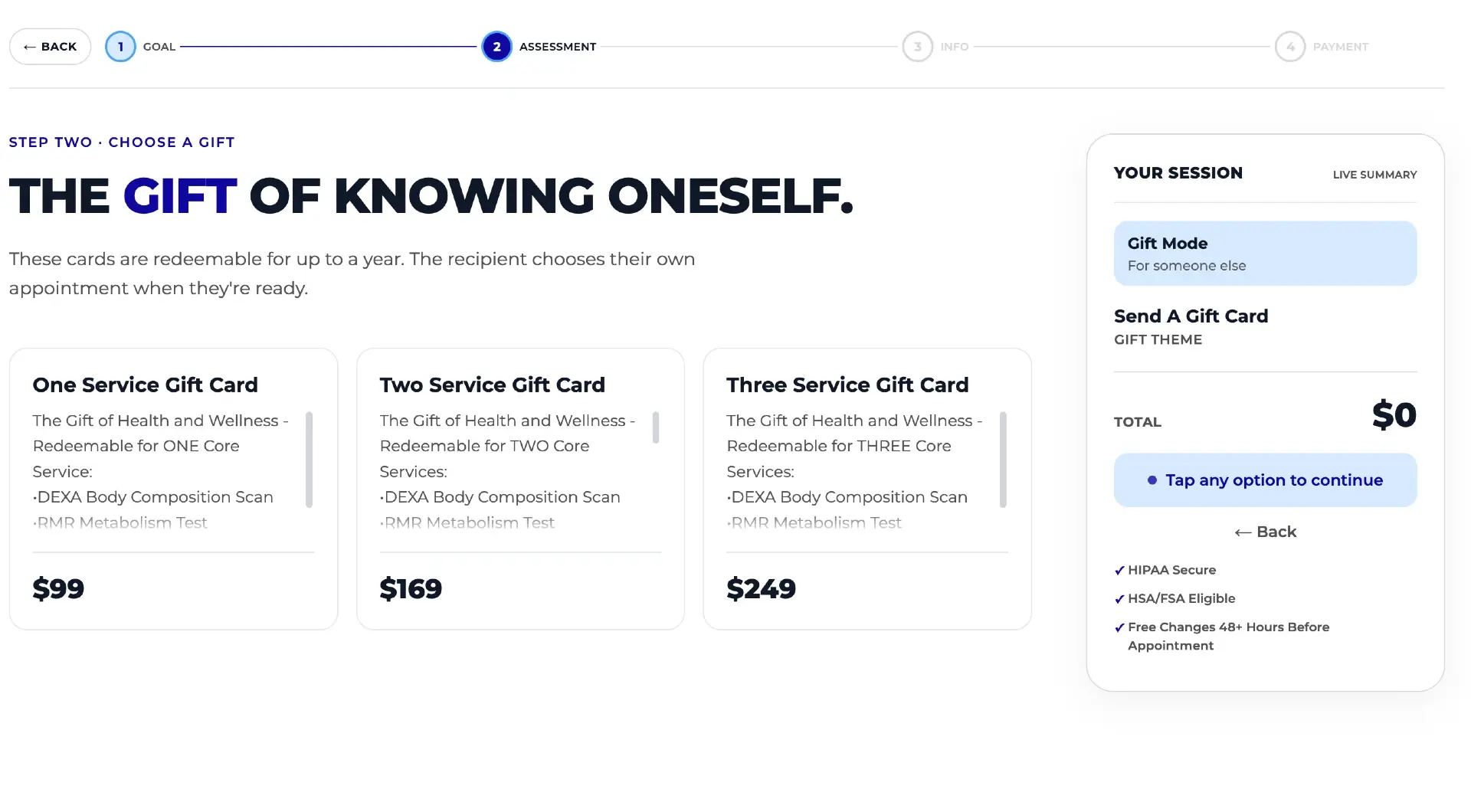
Gift Cards with Acuity Scheduling: Digital Codes to Physical Cards
Acuity supports digital gift certificates, but a printed card someone can wrap is a different product entirely. Why physical cards are worth selling — and how to automate designs, shipping, codes, and fulfillment.
Fees & policies
6 guides
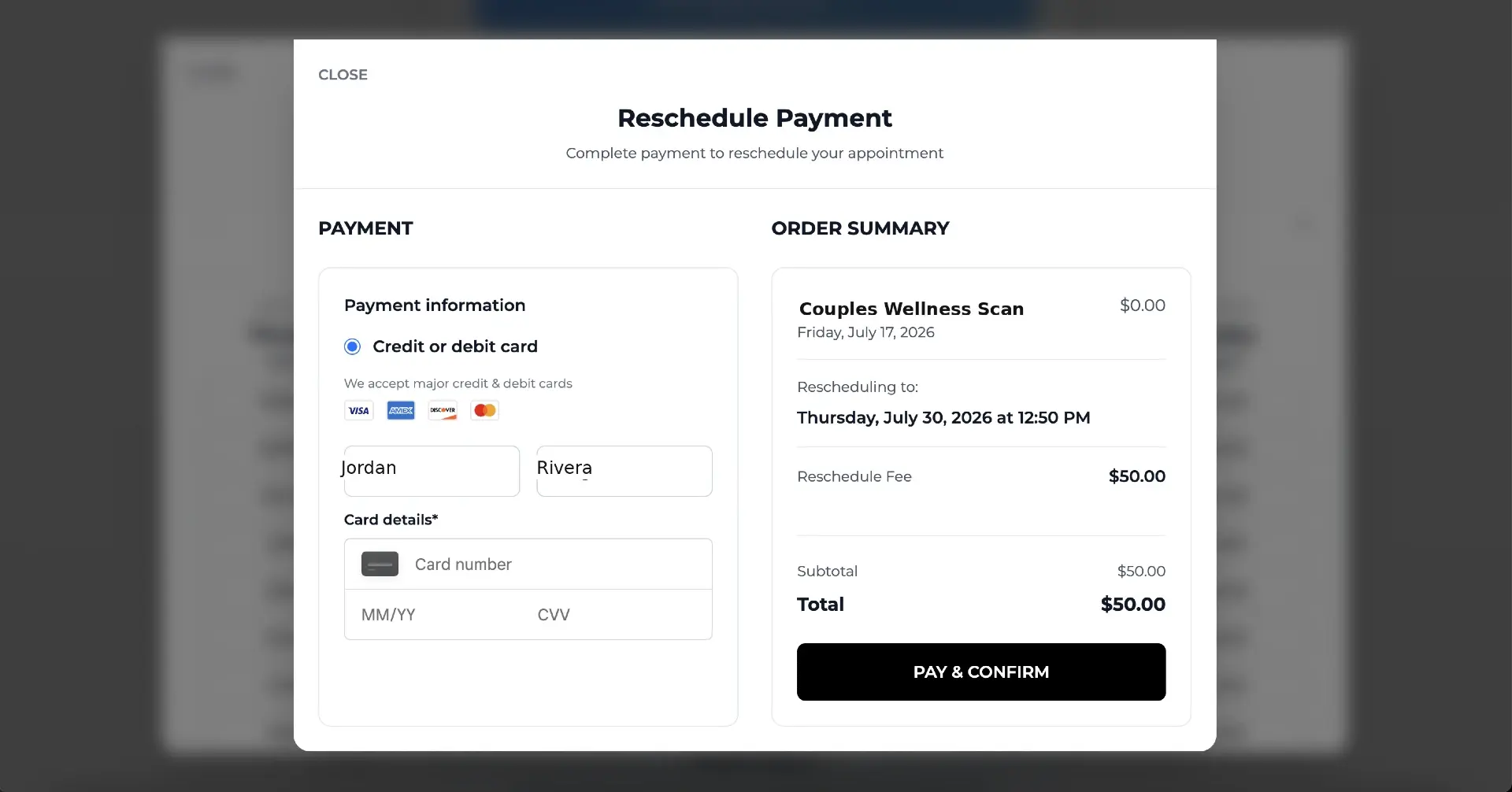
How to Charge a Cancellation Fee in Acuity Scheduling
Acuity can hold a card on file, but charging a late-cancellation fee is a manual, easy-to-forget process. This guide covers the built-in way step by step, where it breaks down, and how to automate fee collection with Square or Stripe.
How to Charge a No-Show Fee in Acuity Scheduling
Acuity can store a client's card, but a no-show fee is only ever charged by hand — and hand-charged fees get skipped. Here's the manual flow step by step, where it breaks down, and how to automate enforcement and track your no-show rate on top of Acuity.
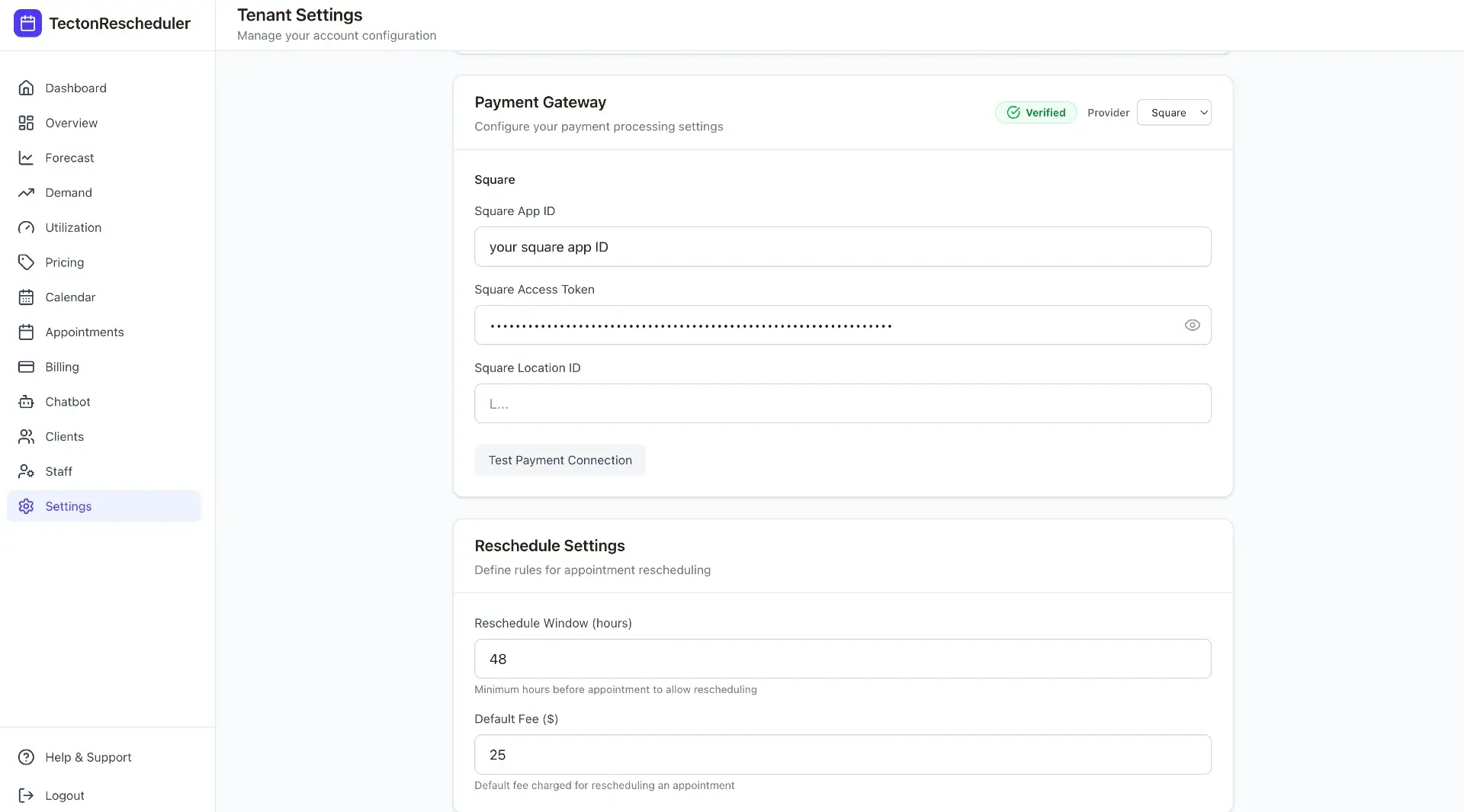
How to Charge a Reschedule Fee in Acuity Scheduling
Acuity has no reschedule fee — it can only block late changes outright. This guide covers why reschedule fees exist, the cancel-and-rebook workaround and where it backfires, how to price a reschedule fee against a cancellation fee, and how to automate collection with Square or Stripe.
Cancellation Policy Templates for Appointment Businesses
Six copy-paste cancellation policy templates — gentle, standard, and strict, plus salon, med spa, and fitness versions — with the anatomy of an enforceable policy, where to publish it in Acuity, and how to make enforcement automatic.
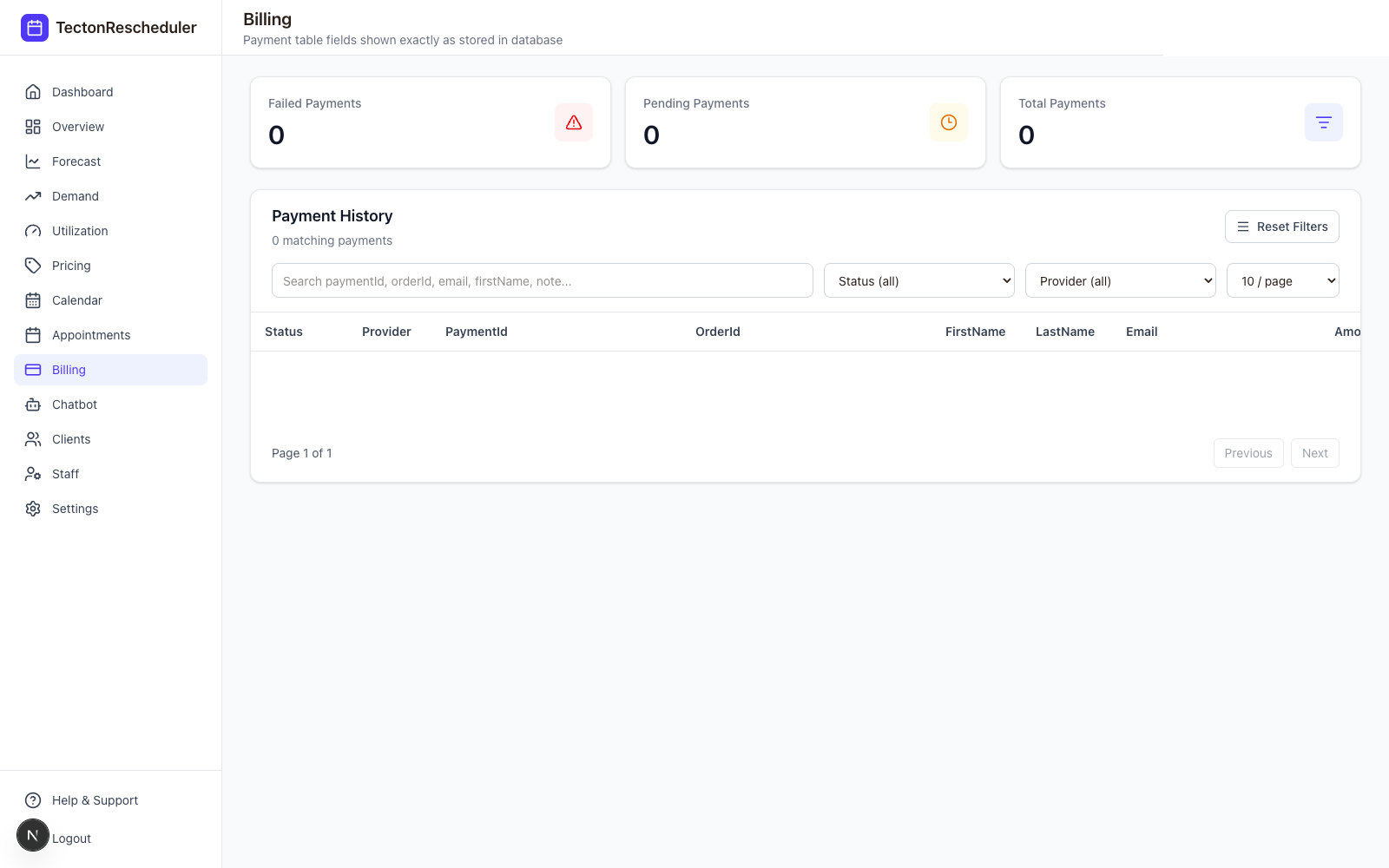
How to Charge a Card on File in Acuity (Stripe & Square)
Acuity Scheduling can store a client's card at booking and let you charge it later — but only through Stripe or Square, and only by hand. This guide covers the manual charge flow, the use cases, dispute-proofing, and how to automate the fee scenarios.
How to Pass Credit Card Processing Fees to Clients
Roughly 3% of every card payment goes to processors. The three compliant ways appointment businesses pass that cost on — surcharges, convenience fees, and cash discounts — plus disclosure rules and implementation.
Stop trading calls for calendar changes
Connect Acuity, set your reschedule rules, and let clients handle the rest — while you watch the numbers move.