
Why Your Acuity Revenue Report Doesn't Match Stripe or Square
TL;DR
- The mismatch is by design, not a bug. Acuity's revenue report excludes cancelled and no-show appointments — and anything manually marked as paid — even when money changed hands.
- Refunds issued in Stripe or Square, plus charges made outside Acuity (like manual no-show fees), push the two totals further apart every month.
- Reconcile on gross charges with a single date basis — never against payout totals, which batch days together and deduct processing fees.
- Tecton Scheduler syncs your existing Acuity account and shows booked vs. collected revenue side by side, with cancellations and no-shows tracked instead of silently dropped.
Your Acuity revenue report doesn't match Stripe or Square because the report excludes cancelled and no-show appointments, excludes anything manually marked as paid, drifts when refunds are issued, and never sees charges made outside Acuity — like manual no-show fees. Add the timing gap between booked and collected money, and the totals almost never line up.
Acuity Scheduling (formerly Squarespace Scheduling) counts appointments; your processor counts charges. Those are two different ledgers. This guide walks through each source of mismatch, gives you a diagnostic table to identify which ones you're hitting, and lays out a monthly reconciliation routine that closes the gap for good.
Why doesn't Acuity's revenue report match Stripe or Square?
Acuity builds its revenue report from appointments; Stripe and Square build their totals from charges. Because the two systems count different objects at different moments, they disagree in five predictable ways:
- Cancelled and no-show appointments are excluded — along with any deposits or payments attached to them. The charge stays in your processor; the appointment falls out of the report.
- Manually-marked-paid appointments are excluded — cash, check, bank transfer, comped sessions. Real revenue to your accountant, invisible to the report.
- Refunds cause drift — a refund issued in Stripe or Square doesn't cleanly rewind Acuity's numbers, and it lands in the month it's processed, not the month of the original charge.
- Booked and collected are different events — a deposit at booking and a balance at the visit can fall in different weeks or months, and each report counts them at a different moment.
- Charges made outside Acuity never appear — manual no-show fees, charges keyed into the processor dashboard, retail sales running through the same Square account.
None of this is a setting you can toggle off. It's an architectural difference: Acuity answers “what did my appointments earn?” while your processor answers “what money actually moved?” The rest of this guide shows how to tell which causes you're hitting and how to reconcile the two views without a spreadsheet all-nighter.
Does Acuity's revenue report include cancelled and no-show appointments?
No — and this is the single biggest source of mismatch. Acuity's revenue report drops cancelled and no-show appointments entirely, even when money was collected for them. If a client pays a 50% deposit and cancels late, the deposit stays in Stripe or Square while the appointment — and its payment — vanishes from the report.
For businesses with real cancellation volume, the gap compounds fast: every prepaid cancellation and every no-show with a deposit becomes money your processor sees and Acuity's report doesn't. And because Acuity offers no cancellation analytics or no-show-rate tracking either, the excluded appointments don't show up as a countable category anywhere — they simply leave the numbers.
The payments aren't gone — they're just not summed
The charges remain in your processor records — you can reconstruct them from Stripe or Square, or by checking the individual appointments in Acuity. Our guide to Acuity Scheduling's built-in reports covers what each report actually counts and leaves out.
Why do appointments marked as paid disappear from the report?
When a client pays cash or by check and you mark the appointment paid by hand, Acuity excludes that appointment from the revenue report too. In practice, the report reliably counts money that flowed through the connected processor as an appointment payment — manual payment records fall outside it.
This creates a third bucket of revenue that lives in neither total: it never touched Stripe or Square, and Acuity's report skips it. If a meaningful share of your clients pay off-platform, the revenue report understates what your calendar actually earned, and no amount of processor reconciliation will surface the difference — the money simply isn't in either export.
Track marked-paid revenue as its own line
Once a month, list every appointment you marked paid manually and total it separately. It belongs in your bookkeeping next to — not inside — the processor and Acuity numbers. Mixing it into either column is how reconciliations go circular.
Booked vs. collected: why timing skews month-end totals
Even when every transaction is visible in both systems, the two ledgers count it at different moments. A deposit is collected the day of booking; the balance may be collected at the appointment weeks later. Depending on whether a report is sliced by appointment date or payment date, the same dollars can land in different months on each side.
A client who books in June for a July appointment and pays upfront is June revenue to your processor and — depending on how you filter — July revenue to your calendar. Neither number is wrong. Booked revenue (the value of appointments scheduled) and collected revenue (money actually captured) answer different questions, and month-end goes sideways the moment they're mixed in one column.
Payout timing adds a second layer: Stripe and Square typically batch several days of charges into each payout and deduct processing fees before deposit. A payout total is neither a daily charge total nor a gross figure, which is why reconciling against your bank statement or payout report always produces a small, maddening gap.
How do refunds and manual no-show charges cause drift?
Refunds are processed in Stripe or Square, and Acuity's totals can drift once they happen. The refund appears as a negative in your processor in the month it's issued — often a different month than the original charge — while the original appointment's payment may still be reflected on the Acuity side. Every refund is a small fork in the two ledgers, and the forks accumulate.
The other half of the drift comes from charges Acuity never initiates. Charging a no-show or late-cancellation fee in Acuity is always a manual step against the stored card — and plenty of owners skip Acuity entirely and key the charge straight into the Stripe or Square dashboard. Either way, nothing tags the charge as a fee: it's just an untitled payment your processor counts and your revenue report has no idea about.
Untagged fees are unreportable fees
If you charge no-show fees manually, you can't later answer “how much fee revenue did we collect this quarter?” without reading individual transactions. Label them consistently in your processor at minimum — or collect them through a system that records them as fees from the start.
Diagnose your mismatch: symptom, cause, fix
| Symptom | Likely cause | Fix |
|---|---|---|
| Stripe/Square shows charges Acuity's report doesn't | Manual no-show or cancellation fees, or charges keyed directly into the processor | Label out-of-band charges consistently; collect fees through a system that tags them |
| Acuity total is lower for the same period | Payments on cancelled or no-show appointments are excluded from the report | Pull the full appointment list including cancellations, not just the revenue report |
| Cash and check revenue missing everywhere | Manually-marked-paid appointments are excluded, and the money never hit the processor | Total marked-paid appointments monthly as a separate bookkeeping line |
| Totals matched, then changed weeks later | Refunds land in the month they're issued, not the month of the original charge | Log every refund against the original charge's month on both sides |
| Revenue shifts between adjacent months | Booked-vs-collected timing: deposits and balances fall in different periods | Pick one date basis — appointment date or payment date — and use it everywhere |
| Small consistent gap on every comparison | Comparing gross charges against payout totals that deduct processing fees | Always reconcile on gross charge exports, never on payouts or bank deposits |
How to reconcile Acuity with Stripe or Square every month
A workable monthly close takes about thirty minutes once the routine is set. The order matters:
- Pick a single date basis — appointment date or payment date — and apply it to both systems. Most appointment businesses reconcile on payment date because it matches the processor's native view.
- Export the month from Acuity twice: the revenue report, and the full appointment list including cancelled and no-show appointments, so excluded payments become visible.
- Export the same period from Stripe or Square using gross charge amounts — not payouts, not net-of-fees deposits.
- Match refunds to the month of the original charge and subtract them consistently on both sides, whatever month they were issued in.
- Isolate out-of-band charges — manual no-show fees, dashboard-keyed charges, anything with no appointment behind it — and label them as fee revenue.
- List manually-marked-paid appointments separately. They belong in neither the processor total nor the report total; they're their own line.
- Investigate only the remainder. After the five known causes are stripped out, whatever gap is left is a genuine discrepancy worth chasing transaction by transaction.
Never reconcile against payouts
Payout totals batch multiple days of charges and deduct processing fees before the money reaches your bank. They will never match a charge-level export from either system. Gross charges, single date basis, every time.
How to see booked vs. collected revenue side by side
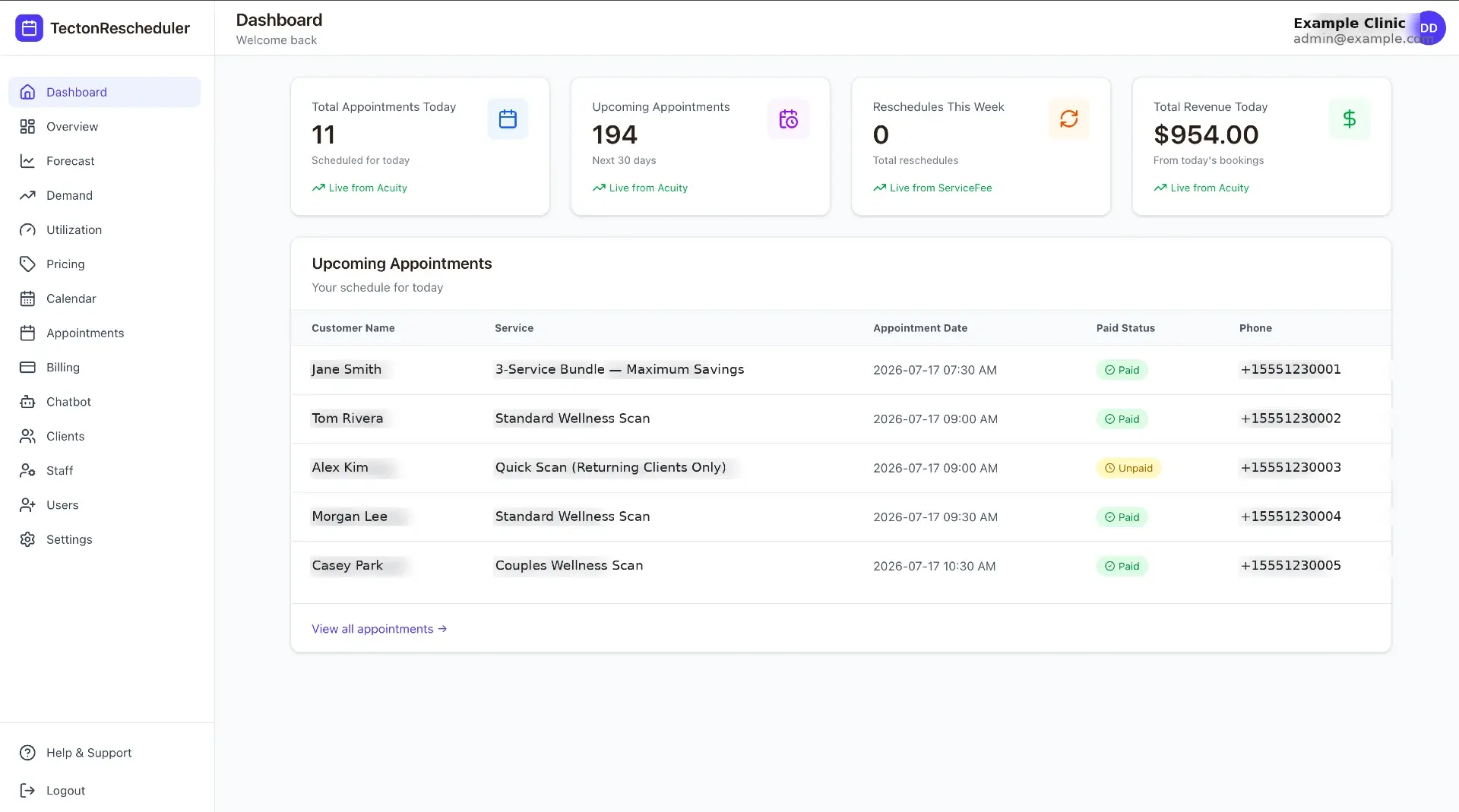
The durable fix is to stop asking one report to answer two questions. Tecton Scheduler layers on top of your existing Acuity account — it doesn't replace it — syncs your appointments on demand or on a schedule, and its analytics dashboard shows booked and collected revenue side by side for today, the last 7 and 30 days, and the month, with prior-period comparisons and sparklines.
- Booked vs. collected in one view. The value of what's on the calendar and the money actually captured sit next to each other, so the timing gap becomes a visible number instead of a mystery.
- Cancellations and no-shows are counted, not dropped. They appear as tracked metrics alongside bookings, average ticket, and new clients — the categories Acuity's report silently excludes.
- Fees are collected and logged automatically. When a client reschedules inside the window you configure in Settings, the fee is charged through Square or Stripe at confirmation — and every fee charged, failed, or declined lands in a read-tracked notifications feed, so fee revenue is finally a reportable line instead of an untagged charge.
Plans are priced to your booking volume, every plan starts with a free trial, billing is month-to-month, and setup takes about 15 minutes — see pricing. For a deeper look at replacing spreadsheet reconciliation entirely, our Acuity analytics dashboard guide walks through the full reporting stack.
Put this on autopilot
Tecton Scheduler does this for your Acuity account
Self-serve reschedule links with automatic fees via Square or Stripe, plus revenue, no-show, and demand analytics — synced straight from Acuity Scheduling. Live in about 15 minutes.
Frequently asked questions
Does Acuity's revenue report include cancelled and no-show appointments?
No. The revenue report excludes cancelled and no-show appointments entirely, even when a deposit or full payment was collected for them. The money stays in your Stripe or Square account, so your processor total runs higher. To find those payments you have to open the affected appointments individually — the report will not sum them for you.
Why is my Stripe or Square total higher than my Acuity revenue report?
Three usual causes: payments attached to cancelled or no-show appointments, which Acuity's report excludes; manual no-show or cancellation fees charged against a stored card or keyed directly into the processor dashboard; and charges from outside Acuity entirely, like retail sales through the same Square account. Compare gross charge exports transaction by transaction to see which one you have.
Why does Acuity show more revenue than Stripe or Square?
Usually refunds or a basis mismatch. A refund issued in Stripe or Square lands as a negative in the month it is processed, while Acuity may still reflect the original payment. Comparing Acuity's gross figures against processor payout totals — which batch several days of charges and deduct processing fees — also makes the processor side look artificially low.
How often should I reconcile Acuity with my payment processor?
Monthly is the practical minimum for most appointment businesses; weekly if you run high volume or lots of prepayments. Reconcile on gross charges with a single date basis, log refunds against the month of the original charge, and keep a running list of out-of-band charges like manual no-show fees so month-end doesn't turn into detective work.
Does Tecton Scheduler replace Acuity's reports?
No — it layers on top of your existing Acuity account and syncs appointments on demand or on a schedule. It adds what Acuity's report leaves out: booked versus collected revenue shown side by side with prior-period comparisons, plus cancellation and no-show tracking, so the numbers your processor sees and the numbers your calendar sees finally live in one view.
Keep reading
Acuity Scheduling Reports Explained — and 7 Things They Miss
Acuity Scheduling's built-in reporting covers appointment counts, booked revenue, and CSV export — and misses no-show rates, cancellation analytics, forecasting, demand patterns, and promotion measurement. This pillar guide breaks down all seven gaps and the spreadsheet-versus-dashboard way to fill each one.
Read guideAcuity Scheduling Analytics: 4 Ways to Build a Dashboard
Acuity's built-in reports stop at booked revenue and appointment counts. This guide compares the four real ways to get an analytics dashboard — built-in reports, CSV exports, Looker Studio connectors, and a purpose-built tool — by cost, effort, and the KPIs you actually get.
Read guideHow to Charge a Card on File in Acuity (Stripe & Square)
Acuity Scheduling can store a client's card at booking and let you charge it later — but only through Stripe or Square, and only by hand. This guide covers the manual charge flow, the use cases, dispute-proofing, and how to automate the fee scenarios.
Read guideHow to Charge a No-Show Fee in Acuity Scheduling
Acuity can store a client's card, but a no-show fee is only ever charged by hand — and hand-charged fees get skipped. Here's the manual flow step by step, where it breaks down, and how to automate enforcement and track your no-show rate on top of Acuity.
Read guide